

Training Runs
Train
After Training Completes
What you get when training finishes and how to evaluate the result before deploying.
When training completes, you get a registered model artifact that's ready to deploy. No manual promotion step — it goes straight from "done" to "deployable."
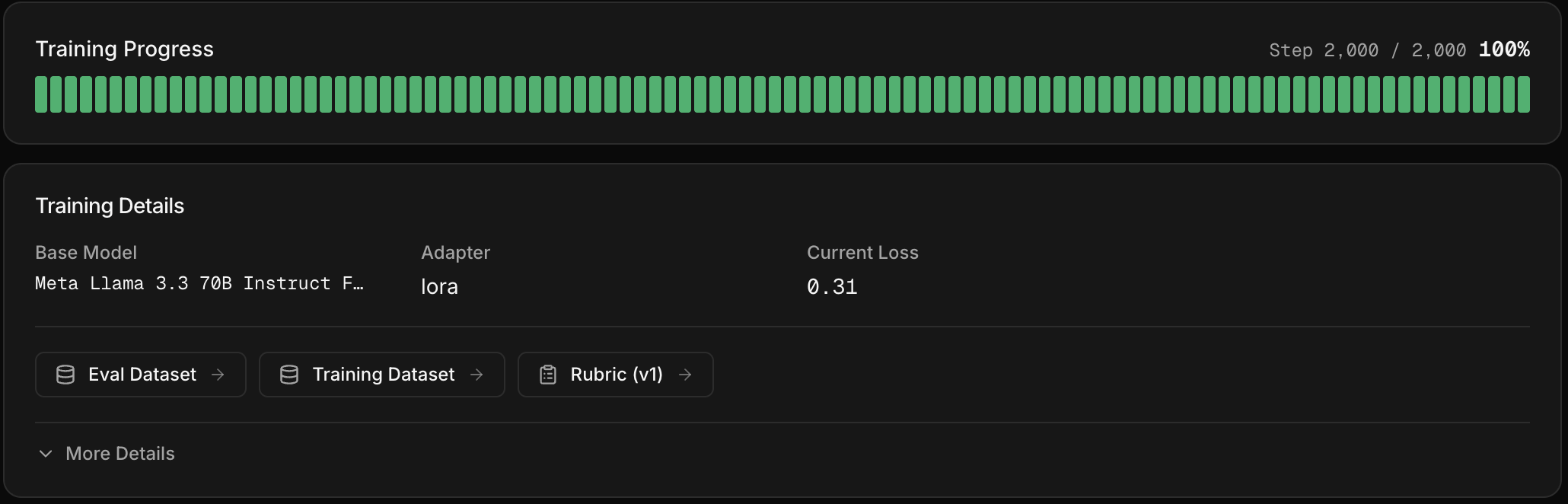
What you see
- Final eval results — the trained model's scores on your eval dataset, compared against the baseline from before training started
- Model artifact — registered in the platform and visible on the Models page
- Create Deployment button — appears on the training details page and on your model's row in the Models page
Is it actually better?
Compare the trained model's final eval scores against the off-the-shelf models you benchmarked earlier. If the trained model scores higher, it's ready to deploy. If not, you may need to iterate on your training data or recipe. To compare it against other models on your live traffic, run an AutoEval.